
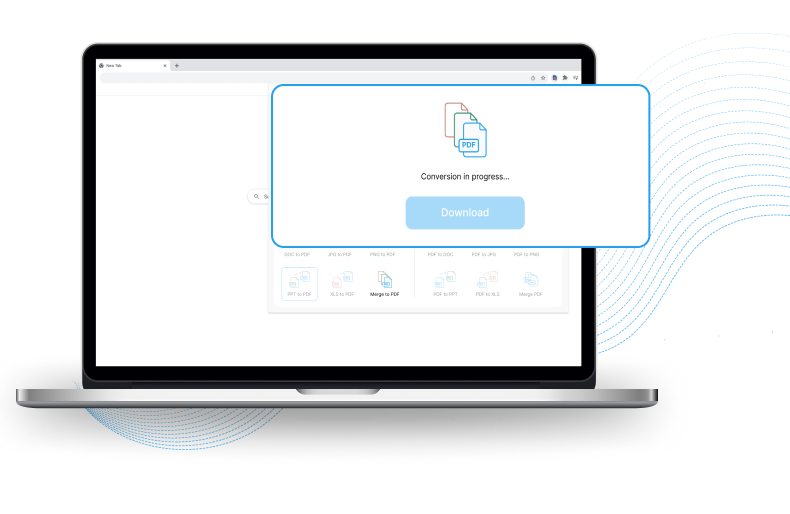
Fast & Free
Document Converter
Instantly convert files to widely supported formats with the Document Converter Chrome™ extension.

By clicking the button above, I consent to install this Chrome™ extension and abide by its Terms of Service and Privacy Policy.
Multi-format support
No more downloading multiple file converter apps. Our easy-to-use conversion tool lets you effortlessly convert between various file formats.
-

DOC to PDF
-

JPG to PDF
-

PNG to PDF
-

PPT to PDF
-

XLS to PDF
-

PDF to DOC
-

PDF to JPG
-

PDF to PNG
-

PDF to PPT
-

PDF to XLS
Features
-
All-in-one file converter
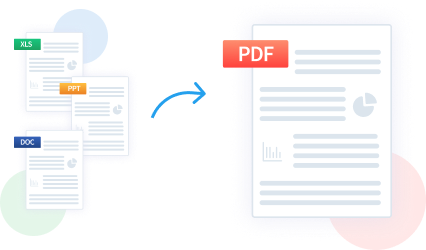
Looking for quick and comprehensive file conversion? Document Converter is your go-to solution for converting between multiple formats including PDF, XLS, JPG and DOC.
-
Merge and share files
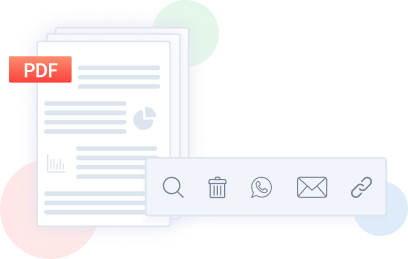
Quickly merge Word documents, PowerPoint presentations, and Excel spreadsheets into a single PDF. Share converted files through popular messaging platforms like WhatsApp or email or by simply copying the link.
How it works
- Step 1
- Step 2
- Step 3
- Step 4
-
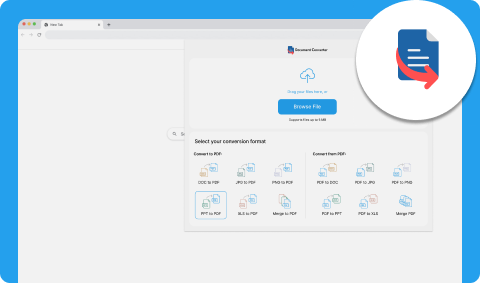
Click on the browser toolbar
-
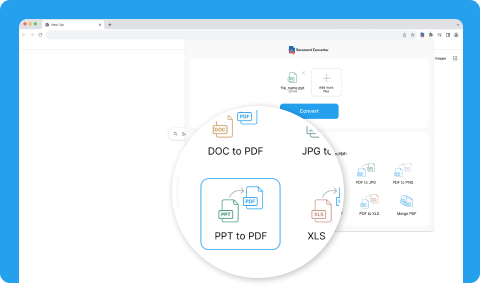
Select the formats you want to convert your file from and to (e.g. PPT to PDF) on the widget
-
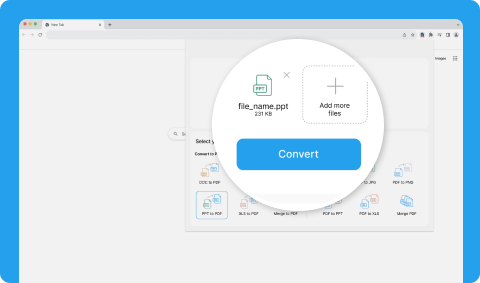
Upload a file or drag and drop a file from your computer and click ‘Convert’
-
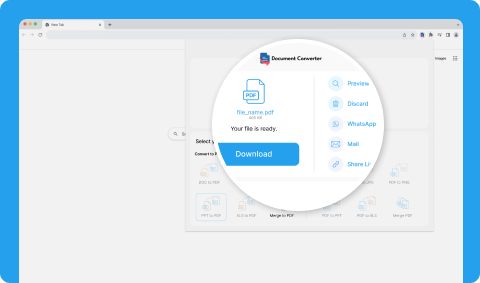
Download and share your converted file, or copy the link to send it via WhatsApp or email.
Simplify file conversions with Document Converter extension
-
Lightning-fast results
Instantly convert a wide range of files, including PDFs and Word documents, with ease. Streamline file management and save time.
-
Convenient & easy to use
Designed with simplicity in mind, our efficient file converter tool enables seamless and hassle-free file conversion directly in your browser.
-
Secure file conversion & sharing
We prioritize the confidentiality of your files during conversion, ensuring the protection of your valuable data. Securely share converted files on popular messaging platforms with confidence.
Efficiently manage all your file conversion needs with the free Document Converter extension
Frequently asked questions
-
The Document Converter extension is completely free of charge. What you see is what you get; there are no hidden costs or fees.
-
Follow these four easy steps to download and install the Document Converter extension:
- Click ‘Available in the Chrome Web Store’
- Click ‘Add to Chrome’ on the Chrome Web Store
- Click ‘Add extension’
- Click the puzzle icon on your toolbar and select ‘Document Converter’
-
Yes, our tool is designed to preserve the integrity of your files throughout the conversion process. Whether you're converting PDFs, Word documents, or other formats, you can confidently convert between formats without worrying about loss of file quality.
-
No, our file conversion tool is designed for efficiency and speed. You can convert your files in seconds.